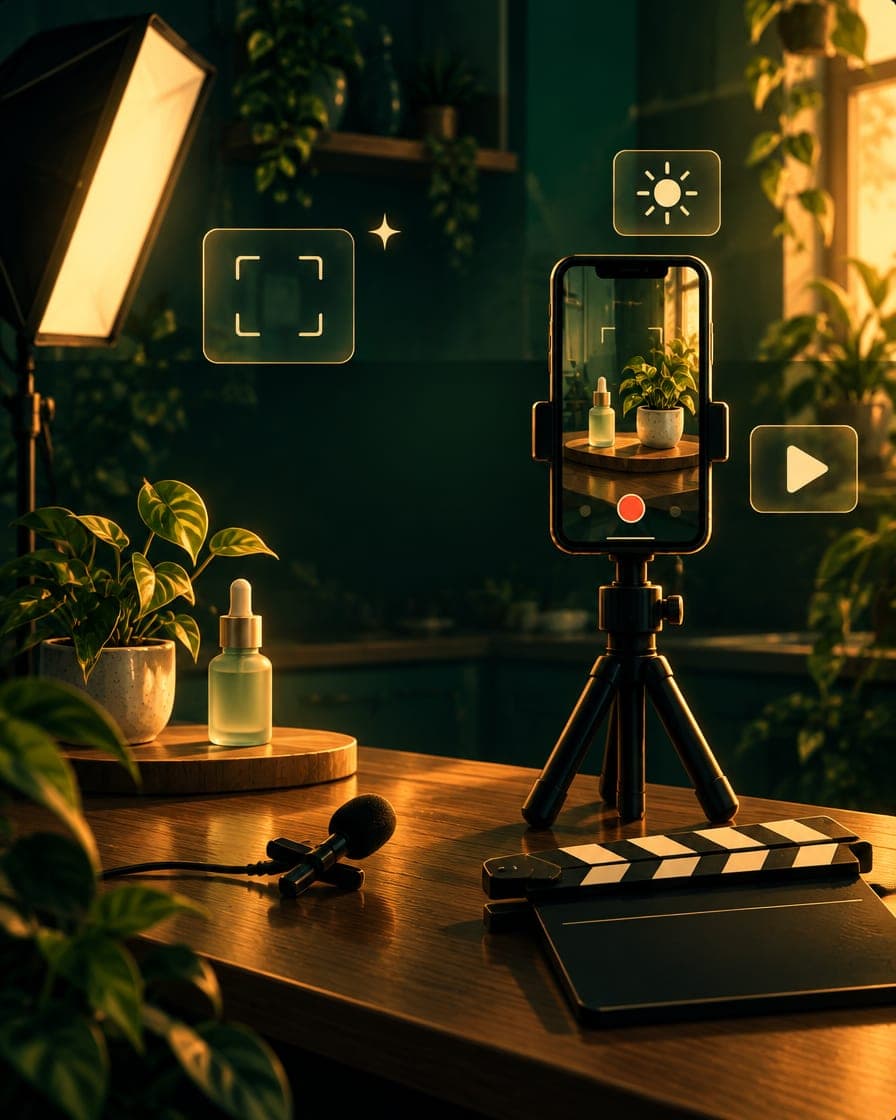
You don't need a camera: filming UGC that looks pro on a phone
Brands don't reject footage for not being cinematic. They reject it for being dark, echoey or badly framed — all fixable with a phone.
Jade Nakamura · Filming · · 2 min read

The single most common reason a new creator's footage looks amateur has nothing to do with their phone. It's light, sound and framing — three things you can fix today without buying a camera. Get them right and a modern phone produces footage brands are happy to run as an ad.
Light is the whole game
Dark, muddy footage reads as cheap instantly. The fix is usually free: face a window. Put the light in front of you, not behind you, and film with the brightest part of the room on your face. One soft light source beats a ceiling full of harsh ones.
- Face the window; never shoot with it behind you.
- Avoid overhead light alone — it casts shadows under the eyes.
- Lock exposure so the shot doesn't flicker as you move.
Tip: Clean the lens
It sounds too simple, but a smudged phone lens is behind a huge share of soft, hazy footage. Wipe it before every shoot.
Sound is half the video
Viewers forgive imperfect video far more than bad audio. A big echoey room is the usual culprit. Get closer to the phone, film in a smaller or softer space, or use a cheap clip-on mic. Even recording the voiceover separately in a quiet room lifts the whole video.
None of this needs a studio. A window, a tidy corner and a tripod will out-shoot an expensive camera used badly — which is exactly what the Filming on Your Phone course drills, with a five-minute home setup you reuse every time.